 |
CriWare Unreal Engine
Plug-ins for CriWare solutions.
|
|
CriWare Unreal Engine
Plug-ins for CriWare solutions.
|
Atom Config assets is created when you import an ACF File generated from CRI Atom Craft.
In this asset, you can check various parameters set From CRI Atom Craft.
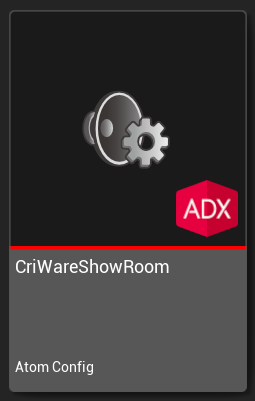
To open the Details panel for an Atom Config, double-click the Sound Class in the Content Browser. 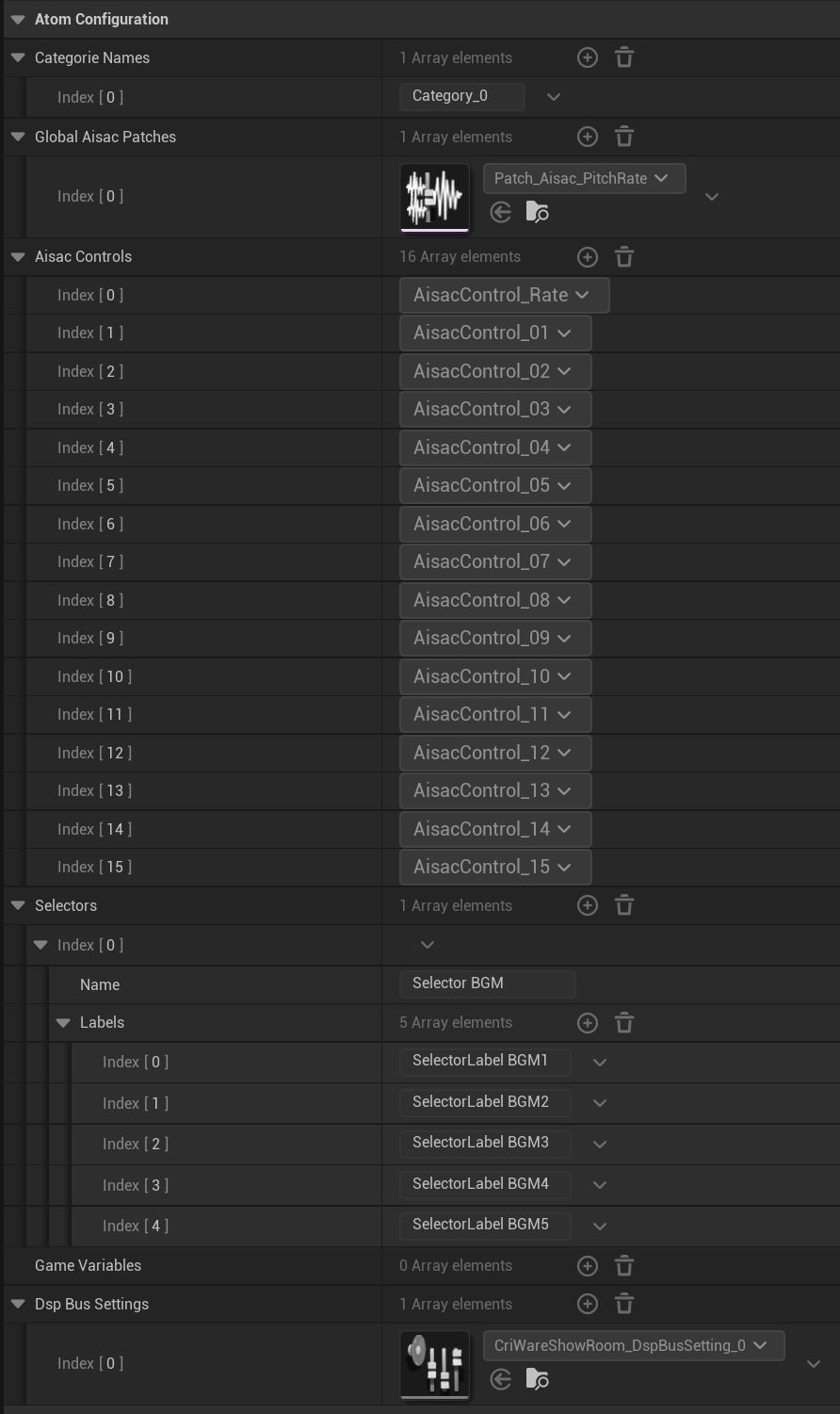
The categories names defined by Atom Craft in this ACF.
Global AISACs patches defined by Atom Craft in this ACF.
AISAC controls is list of Controls defined by Atom Craft in this ACF. (Atom Craft generate 16 controls by defaults.)
The selectors defined by Atom Craft in this ACF.
Additionaly, the selector labels that the selector has is shown.
Game variables defined by Atom Craft in this ACF.
The DspBusSetting defined by Atom Craft in this ACF. This are Sub-Objects of Atom Config package and can be refered as asset in other configurations (Atom Racks).
 1.9.7
1.9.7