 |
CriWare Unreal Engine
Plug-ins for CriWare solutions.
|
|
CriWare Unreal Engine
Plug-ins for CriWare solutions.
|
在Ver.2.xx系列中,AtomAreaVolume被集成到AtomGameplayVolume中。
有两种指定声音的方法。
将 AtomGameplayVolume 放置在所需的范围内。
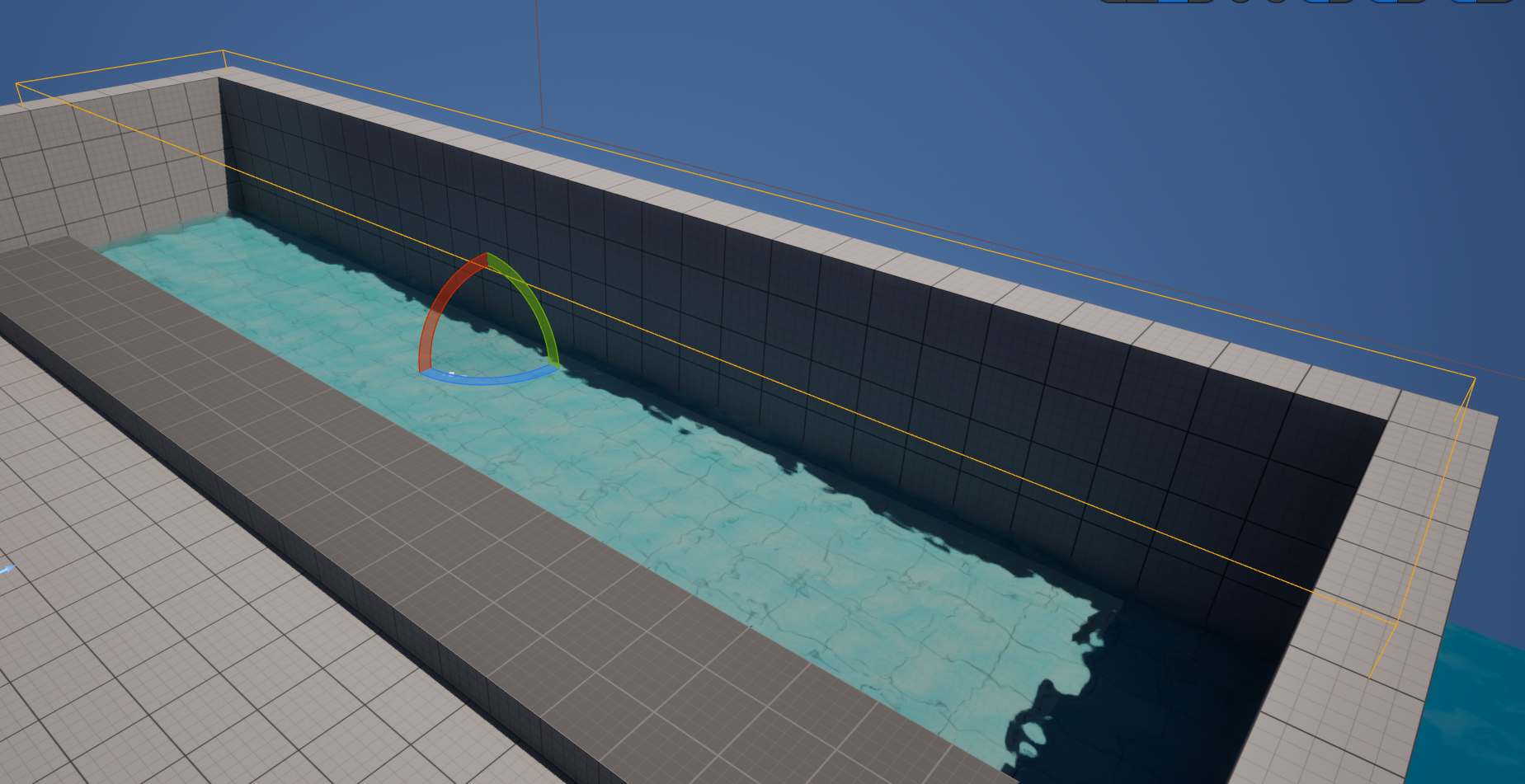
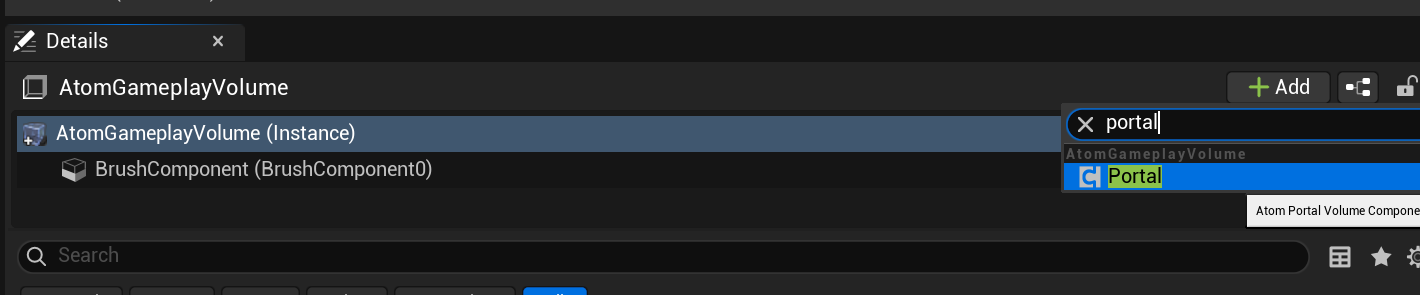
将 Portal Component 添加到放置的 AtomGameplayVolume 中。
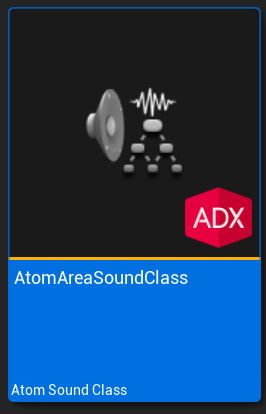
为了将 AtomGameplayVolume 应用于声音,您需要指定 AtomSoundClass 资产。
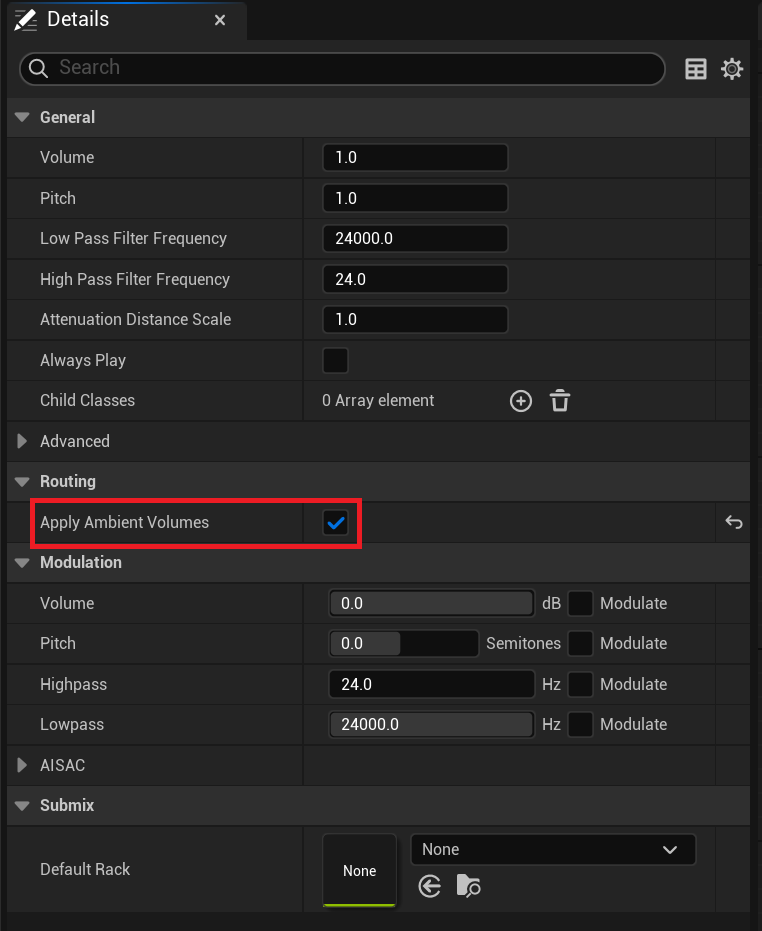
检查 AtomSoundClass 资产的 ApplyAmbientVolumes 。
将具有上述设置的 AtomSoundClass 设置为 AtomSoundCue / AtomSoundWave 或 AtomComponent。
设置的声音将始终设置为应用 AtomGameplayVolume。
默认情况下,它折叠到“Advanced”选项卡中。
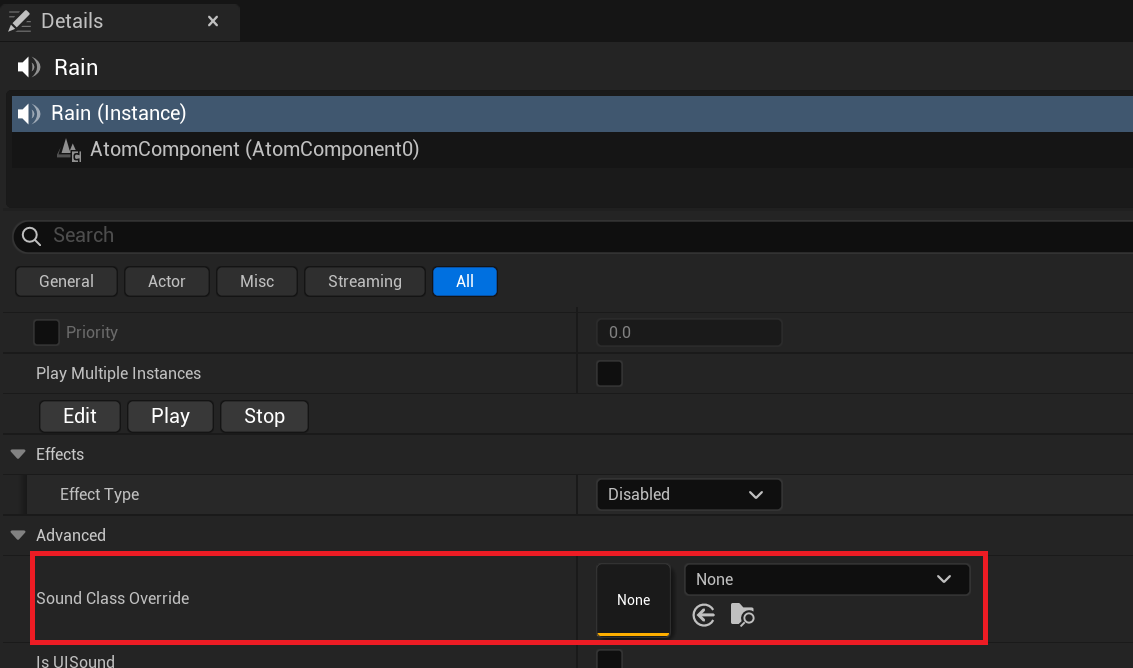
AtomGameplayVolume 只能应用于已配置的 AtomComponent。
因此,如果您想根据同一声音的情况更改是否应用 AtomGameplayVolume,这是理想的选择。
将 AtomComponent 添加到放置的 AtomGameplayVolume 本身。
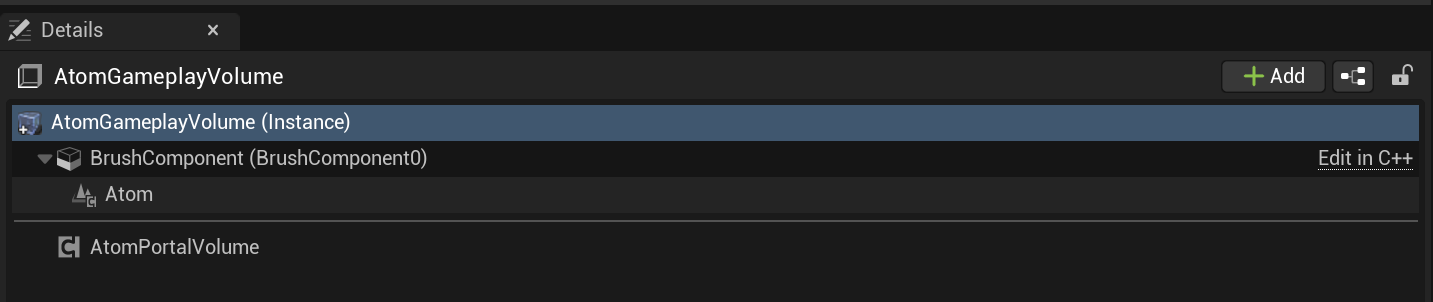
排列声音,使其位于 AtomGameplayVolume 内。
首先应用Priority较高的Component。
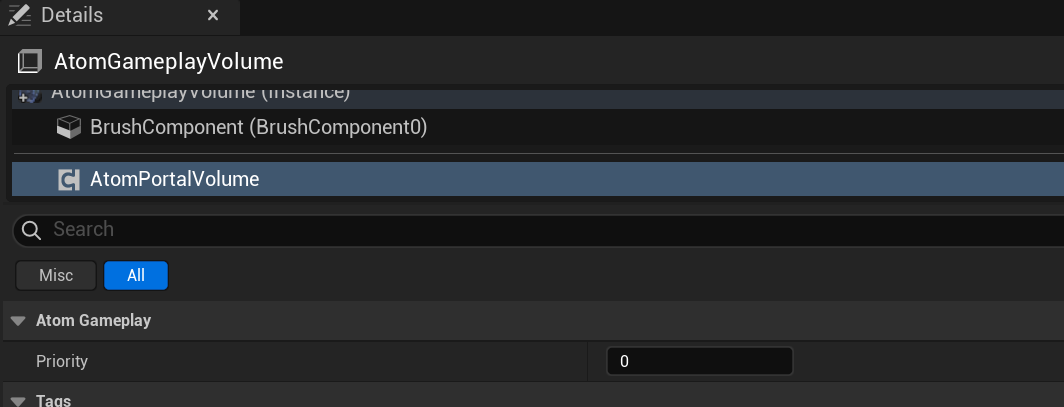
与 Ver. 1.xx 一样,可以单独处理 Volume。
您需要调整添加到 AtomGameplayVolume 的 AtomComponent 的位置。
特别是当 AtomGameplayVolume 重叠时,您需要小心哪个 Volume 包含它们。
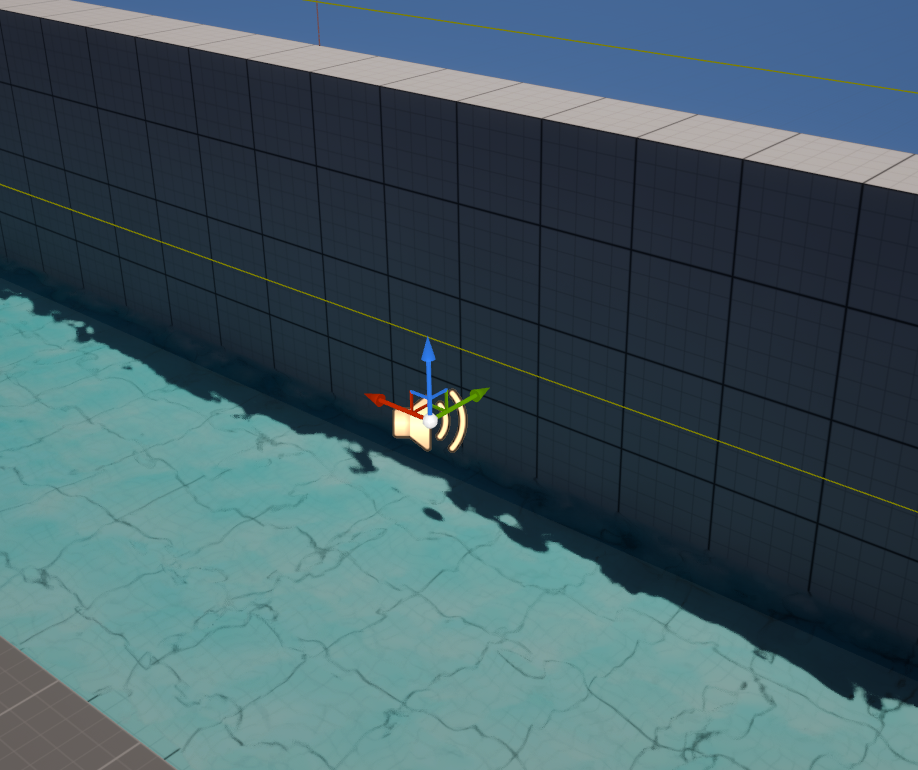
如果只想移动 AtomComponent 的位置,请按如下所示调整指定 AtomComponent 的 Transform。
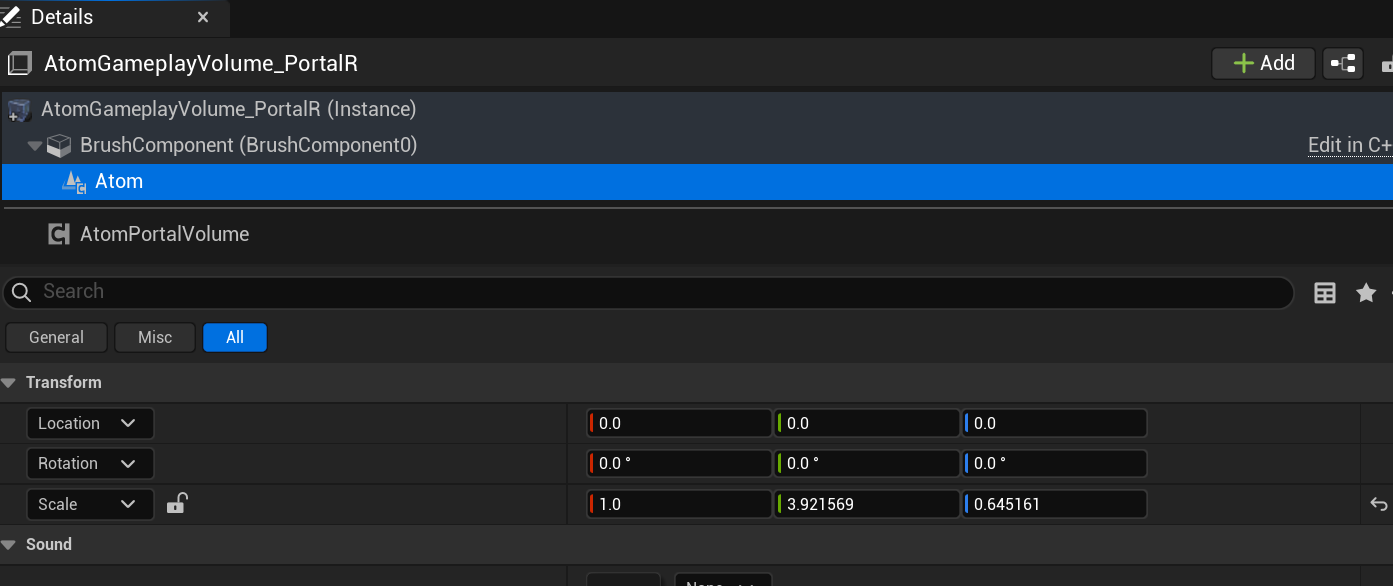
与普通声音一样,您可以通过移动 Actor 来调整位置。
当 AtomGameplayVolume 重叠时要特别小心。
通过将其放置在关卡上,您可以在大纲视图中进行搜索,如下所示。
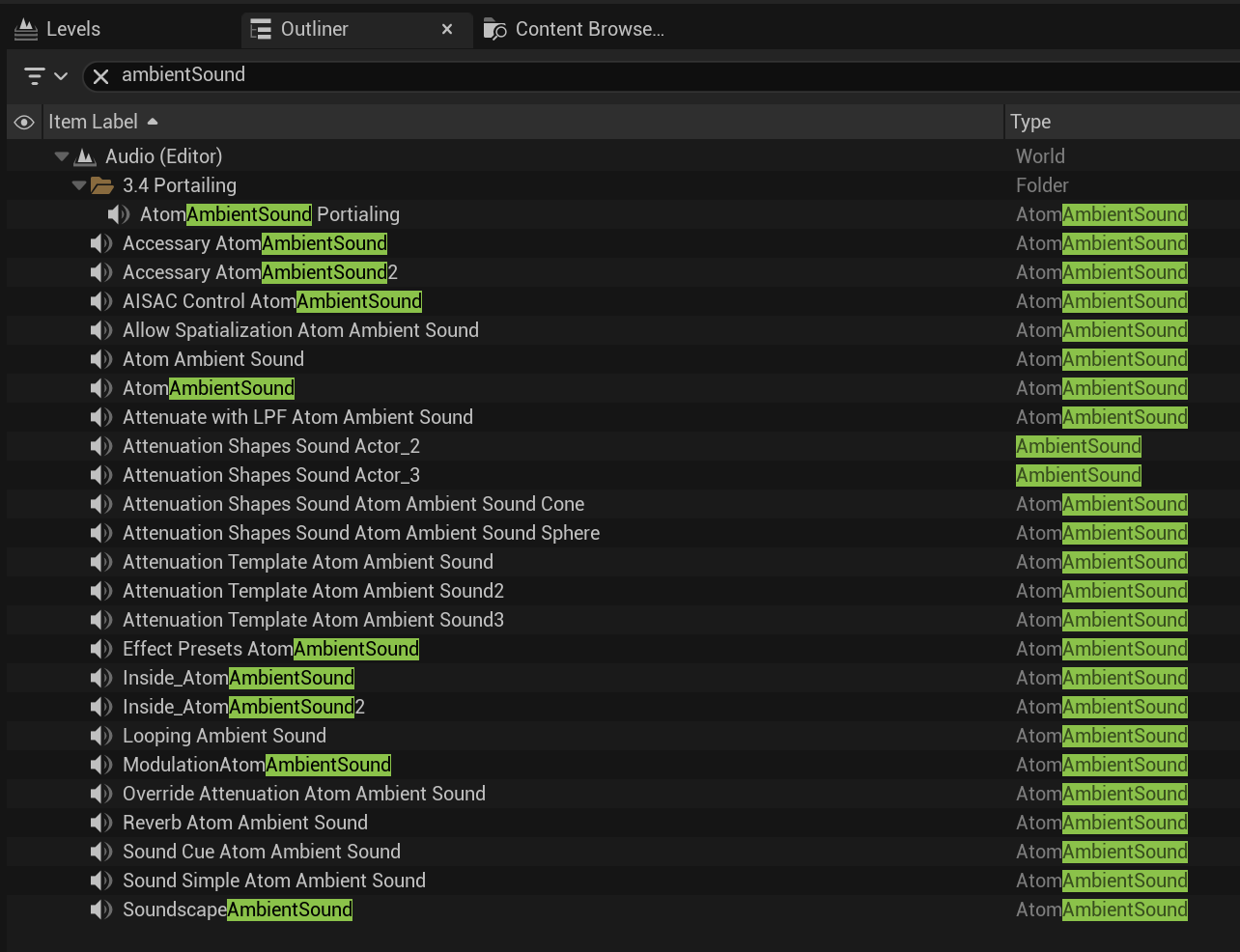
AtomGameplayVolume 和 AtomComponent 之间的关系变得难以理解。
关卡中的 Actor 数量会增加。因此,大纲视图中显示的 Actor 数量将会增加。

THIS SERVICE MAY CONTAIN TRANSLATIONS POWERED BY GOOGLE. GOOGLE DISCLAIMS ALL WARRANTIES RELATED TO THE TRANSLATIONS, EXPRESS OR IMPLIED, INCLUDING ANY WARRANTIES OF ACCURACY, RELIABILITY, AND ANY IMPLIED WARRANTIES OF MERCHANTABILITY, FITNESS FOR A PARTICULAR PURPOSE AND NONINFRINGEMENT.
 1.9.7
1.9.7