What is the ADX2 Custom Extension and Automation Feature “Atom Craft Robot”?
On December 1, 2020, ADX2 introduced a powerful new feature: Atom Craft Robot.
This tool is designed to make sound development with ADX2 even more efficient—be sure to take advantage of it!
What is Atom Craft Robot?
The newly added Atom Craft Robot feature automates tasks that are typically time-consuming and prone to human error—such as registering large volumes of sound data in AtomCraft or modifying settings for existing sound data—based on customizable rules.
By leveraging Atom Craft Robot, you can:
- Reduce the workload for sound designers
- Simplify data creation for live-service games
- Improve overall sound production workflows
Use Cases for Atom Craft Robot
Bulk Parameter Updates for Large Data Sets
Apply settings in bulk according to custom rules.
For example:
- Automatically assign the ENGLISH category to files ending with “_en”
- Assign the JAPANESE category to files ending with “_jp”
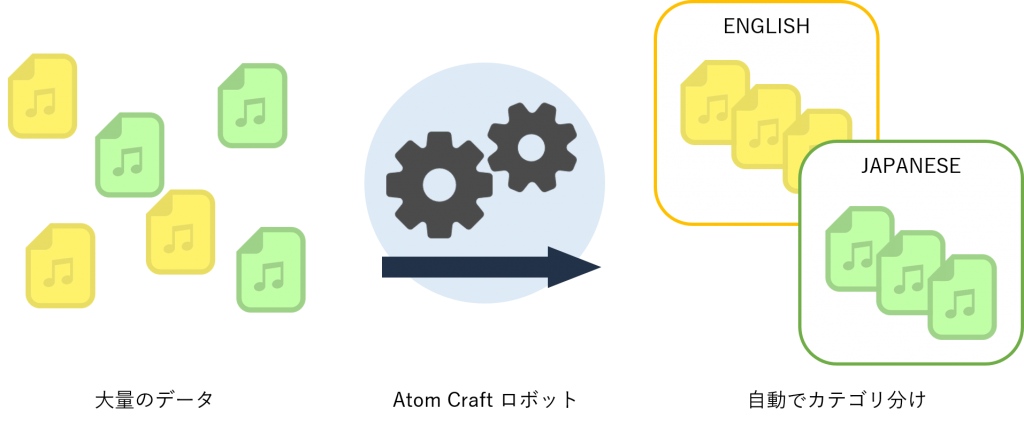
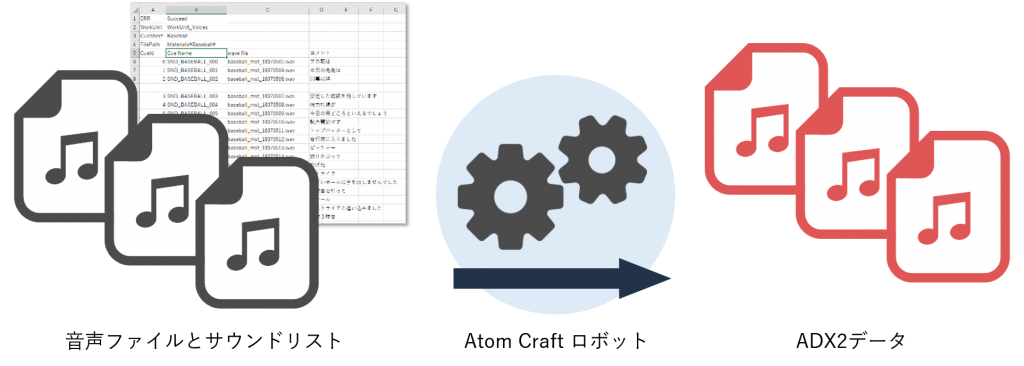
Register Large Volumes of Sound Data from CSV
Import a sound list created in CSV format and generate cue sheets, cues, and builds with a single click—following your predefined rules. Automation eliminates human error during registration.
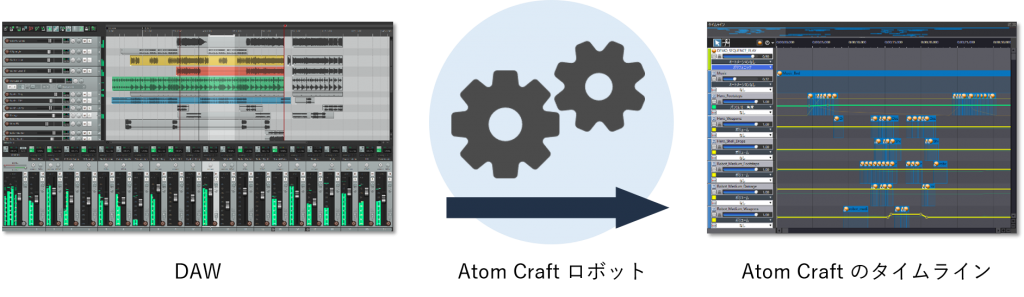
Enhanced Integration with DAWs
Strengthen integration with external tools such as DAWs.
Features include:
- Importing timeline information
- Automatically registering bounce results
These capabilities streamline your development process.
How to Use Atom Craft Robot
Use Sample Scripts
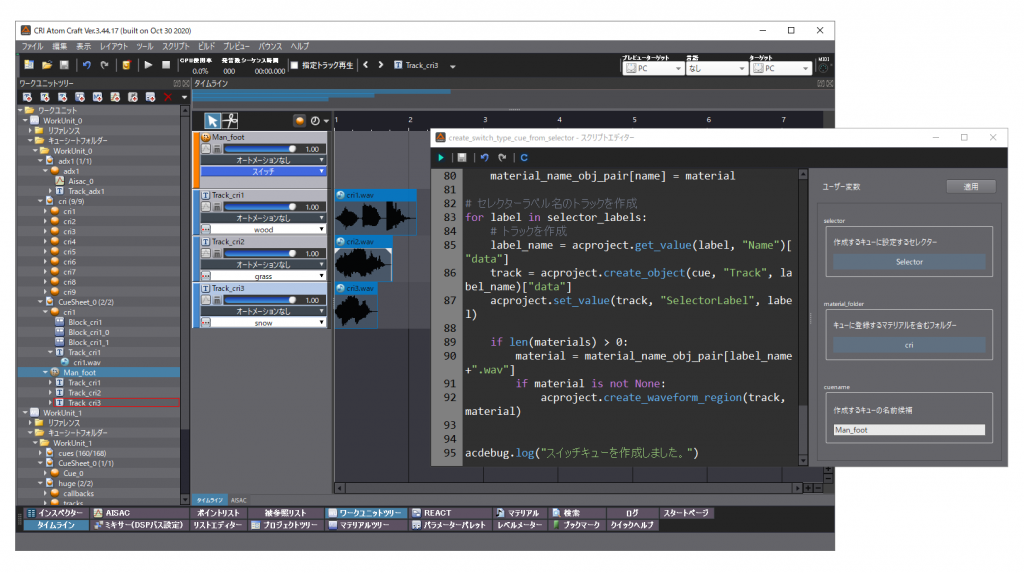
The CRI Atom Craft package includes seven versatile sample scripts:
- Check for duplicate cue IDs
- Check for duplicate cue names
- Copy & paste AISAC graphs
- Copy & paste automation graphs
- Create switch-type cues by specifying selectors
- Remove specified categories from selected cues
- Replace categories for selected cues
You can use these scripts as-is or customize them for your workflow.
Write Your Own Scripts
Create custom rules tailored to your development environment.
Atom Craft Robot supports Python scripts, and you can register your scripts in the menu for easy access.
Connect with External Tools
Atom Craft Robot can communicate with external tools.
By linking with custom validation tools or sound management systems, you can directly operate projects through Atom Craft Robot.
Integration supports Python and JSON API.
CEDEC + KYUSHU 2020 Online Session Video
Watch the archived session from CEDEC + KYUSHU 2020 Online:
“Automate Sound Data! Goodbye, Repetitive Tasks”
Overview
Integrating countless sound files into a game requires extensive work for each effect.
For live-service titles, the workload for sound designers continues to grow with regular updates.
This session introduces how the latest update to CRI Atom Craft—featuring Atom Craft Robot—helps automate sound data creation and reduce workload, with practical examples.